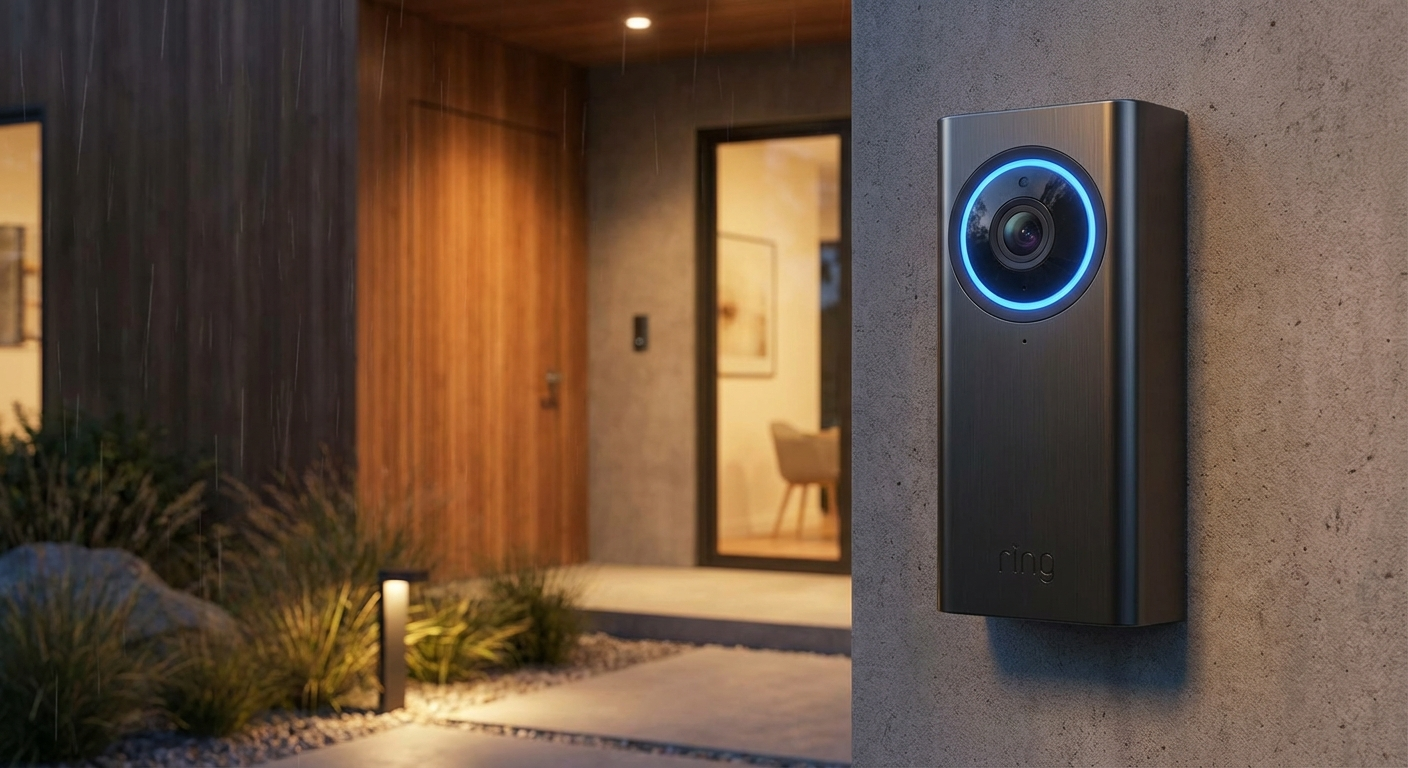
Your smart doorbell sees everyone who approaches your home—family, friends, delivery drivers, and yes, potential intruders. But who else can see that footage? Here’s what Ring, Nest, and other manufacturers don’t prominently advertise, and how to lock down your smart doorbell security.
The Privacy Reality Check
Smart doorbells upload video to the cloud by default. That means:
- Your footage lives on company servers — subject to their security practices
- Law enforcement can request access — sometimes without a warrant
- Employees may have access — past incidents have shown internal misuse
- Hackers target these accounts — credential stuffing attacks are common
This doesn’t mean you shouldn’t use a smart doorbell—just that you should configure it properly.
Essential Security Settings
1. Enable Two-Factor Authentication (2FA)
This is non-negotiable. Both Ring and Nest support 2FA, but it’s often not enabled by default. Use an authenticator app, not SMS (which can be SIM-swapped).
Ring: Settings → Account → Two-Factor Authentication Nest: Google Account → Security → 2-Step Verification
2. Use a Unique, Strong Password
Your doorbell password should be:
- At least 16 characters
- Completely unique (not used anywhere else)
- Stored in a password manager
3. Review Shared Access Regularly
Check who has access to your doorbell and remove anyone who shouldn’t:
- Ex-roommates or partners
- Old family members’ accounts
- Test accounts you forgot about
4. Disable Features You Don’t Need
Consider turning off:
- Sidewalk/Mesh networking (Ring) — shares your bandwidth with neighbors
- Audio recording — if you only need video
- Public sharing — never post clips with location metadata
5. Set Up Activity Zones
Configure motion zones to only capture your property, not the sidewalk or street. This reduces unnecessary recordings and privacy concerns for passersby.
Local Storage Alternatives
If cloud storage concerns you, consider doorbells with local storage options:
- Eufy Video Doorbell — stores footage locally, no subscription required
- Amcrest AD410 — supports local NVR or NAS storage
- UniFi Protect G4 Doorbell — integrates with UniFi local NVR
These keep your footage on your property, though you lose some remote access convenience.
The Firmware Factor
Smart doorbells receive firmware updates that can change functionality. To stay secure:
- Enable automatic updates (security patches matter)
- Review update notes for new features that might affect privacy
- Check the manufacturer’s security track record before buying
What About Police Requests?
Ring has faced criticism for sharing footage with law enforcement without user consent in “emergency” situations. To maintain control:
- Opt out of Request for Assistance programs
- Review your sharing settings regularly
- Know your local laws about surveillance footage
The Bottom Line
Smart doorbells are genuinely useful security tools—but they require active management. Enable 2FA, use strong unique passwords, review who has access, and consider local storage if privacy is paramount.
Your front door is the boundary between public and private. Make sure your smart doorbell respects that boundary too.