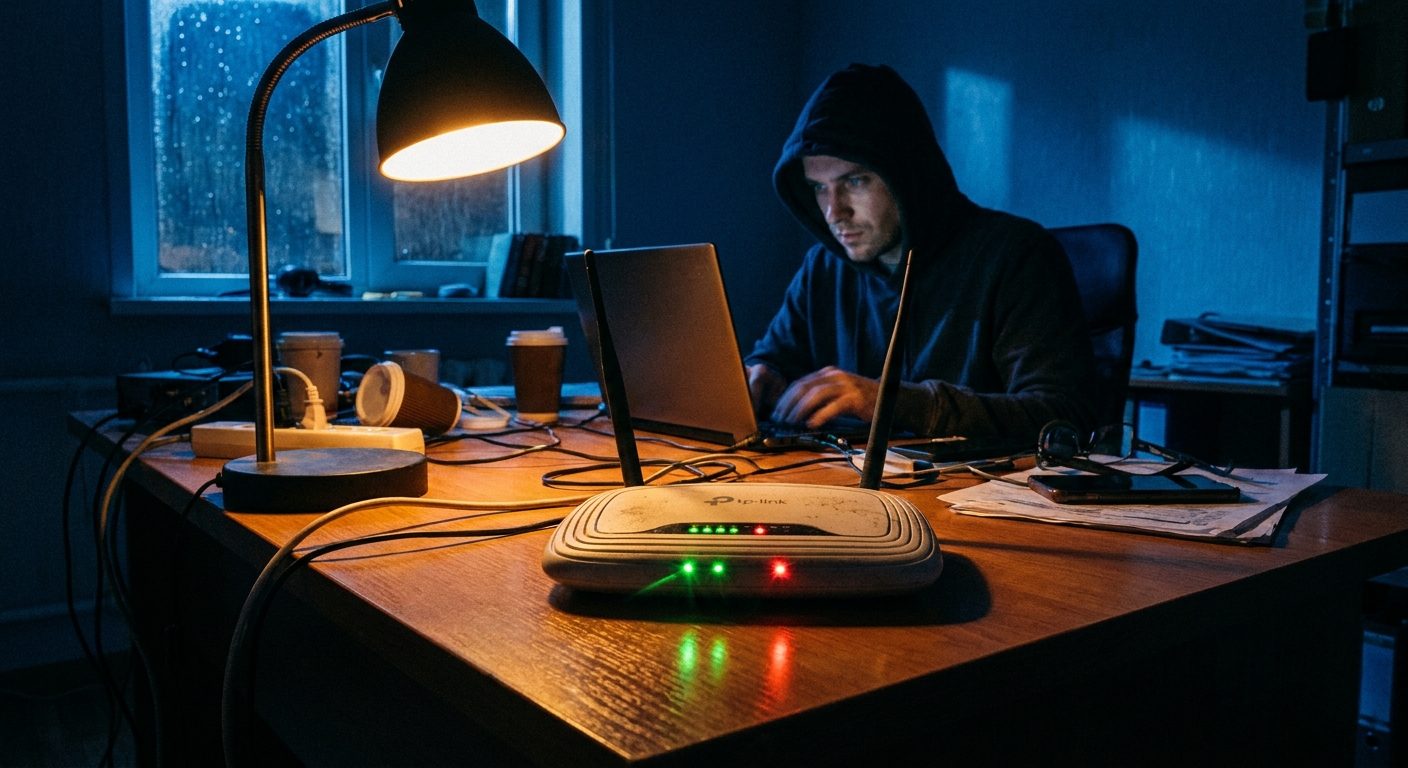
No malware. No popup. No warning. Your router just quietly started working for Russian military intelligence — and unless you specifically checked, you had no way of knowing.
That’s the scenario Microsoft and the FBI described in early April 2026 as they disclosed a sustained espionage campaign by Forest Blizzard, the hacking unit of Russia’s GRU military intelligence directorate also known as APT28 and Fancy Bear. The group compromised more than 18,000 home and business routers — predominantly older Mikrotik and TP-Link devices — and used them to harvest authentication tokens from Microsoft Office users at more than 200 organizations.
The method required no malware on the routers. No code on the victim’s computer. And it bypassed multi-factor authentication entirely.
The Attack: DNS as a Surveillance Tool
Forest Blizzard exploited known vulnerabilities in older routers to modify a single setting: the DNS server configuration.
DNS — the Domain Name System — is the internet’s address book. When you type a URL or when your Microsoft Office application reaches out to Microsoft’s servers, DNS translates that domain name into an IP address. Your router handles this translation for every device on your network.
By changing your router’s DNS settings to point at servers they controlled, the GRU hackers inserted themselves into every DNS lookup happening on your network. When your computer or phone attempted to reach Microsoft’s authentication servers — to log in, to refresh an OAuth token, to check for updates — the compromised router redirected some of those requests through attacker-controlled infrastructure.
The attackers weren’t reading your email in transit. They were collecting something more valuable: authentication tokens.
Why Tokens Are More Dangerous Than Passwords
When you log into Microsoft 365 with your password and complete MFA, Microsoft issues an authentication token — a cryptographic credential that says “this device is authenticated.” Office applications use that token silently, in the background, to access your email, documents, Teams, and other services without prompting you to re-enter your password constantly.
Tokens have a lifespan — typically hours to days — and are supposed to be transmitted only over encrypted connections to legitimate Microsoft servers.
When Forest Blizzard’s DNS manipulation redirected token-related traffic through their infrastructure, they were positioned to intercept those tokens before they reached Microsoft’s servers. A harvested authentication token gives the attacker full access to the victim’s Microsoft account for as long as the token remains valid — without needing the password, without needing to bypass MFA, without triggering any login alert.
Microsoft identified more than 5,000 consumer devices and 200+ organizations whose users had tokens intercepted through this method.
The Routers: Why Mikrotik and TP-Link
Forest Blizzard didn’t need to find a new exploit. They used known, documented vulnerabilities in older Mikrotik and TP-Link router models — flaws that had been publicly disclosed and patched, but which remain unpatched on millions of devices still in service.
Mikrotik routers are popular with technically sophisticated home users and small businesses because of their flexibility and low cost. TP-Link budget models are among the most widely deployed consumer routers globally. Both have large installed bases of older hardware running outdated firmware.
The GRU’s approach was methodical: scan for routers with known vulnerabilities, exploit the ones running unpatched firmware, modify the DNS configuration, and let the router silently harvest whatever token traffic passes through it. No visible change to the user. No degradation of service. Just a router that now has a second job.
Why This Attack Is Hard to Detect
Traditional security advice focuses on keeping malware off your devices. This attack didn’t put malware anywhere. The router’s legitimate firmware continued to function normally — routing traffic, providing Wi-Fi, doing everything you expected it to do. The only change was one setting in the DNS configuration.
From the user’s perspective:
- The internet continued to work normally
- Microsoft applications continued to function
- No security software flagged any anomaly
- No login alerts appeared in Microsoft’s sign-in logs (no new login was triggered — existing tokens were intercepted)
The only way to detect this attack was to examine the router’s DNS configuration and notice it was pointing at unfamiliar servers — something most home users and even many small businesses never do.
How to Check Your Router Right Now
Step 1: Log into your router’s admin interface. Typically at 192.168.0.1 or 192.168.1.1. Your router’s login credentials may be on a sticker on the device.
Step 2: Find the DNS settings. Look under WAN settings, network settings, or internet settings. Your router should show the DNS servers it’s using for name resolution.
Step 3: Verify the DNS servers. Legitimate DNS servers include:
- Your ISP’s own DNS (provided via DHCP — check your ISP’s documentation for their addresses)
- Well-known public DNS: Google (8.8.8.8, 8.8.4.4), Cloudflare (1.1.1.1, 1.0.0.1), Quad9 (9.9.9.9)
If you see unfamiliar IP addresses in the DNS configuration — especially addresses you don’t recognize and didn’t set yourself — your router may have been compromised.
Step 4: Also check the DHCP DNS settings. Some routers have separate DNS settings for the DHCP server that distributes settings to devices on your network. Check both.
What To Do If You Find Suspicious DNS Entries
- Change your router’s admin password immediately if you’re still using the default.
- Reset the DNS settings to your ISP’s default servers or a known public DNS like Cloudflare (1.1.1.1) or Google (8.8.8.8).
- Update your router’s firmware to the latest version available from the manufacturer.
- Consider a factory reset if you believe the router has been compromised — this clears any configuration changes an attacker may have made, though it also resets all your settings.
- Revoke Microsoft tokens and force re-authentication. If you’re a Microsoft 365 user and you found suspicious DNS entries, sign out of all Microsoft sessions (Settings → Privacy & Security in your Microsoft account online) to invalidate any harvested tokens.
- Enable sign-in alerts in your Microsoft account to be notified of any new logins.
What This Means for Home Users
Forest Blizzard’s primary targets were organizations — businesses, government entities, research institutions. But the routers used as stepping stones were home and small business devices. Your router may have been used as infrastructure in this campaign without your data being the primary target.
More importantly, the technique itself — DNS manipulation to harvest authentication tokens — is not unique to nation-state actors. Now that this attack method has been publicly documented, it’s available as a template for criminal groups operating at smaller scale.
Any attacker who can compromise your router’s DNS settings can potentially intercept token traffic for any cloud service that doesn’t implement additional certificate pinning or token binding protections. Microsoft 365 was the target here. But the same method could be adapted to harvest tokens for Google Workspace, Salesforce, or any other OAuth-based service.
The Fix That Most People Won’t Apply
The fundamental solution is straightforward: keep router firmware updated so that the known vulnerabilities Forest Blizzard exploited can’t be used. Change default admin credentials. Disable remote management from the internet.
These are not new recommendations. They’ve appeared in security guidance for years. And yet the attackers found 18,000 routers that hadn’t implemented them.
Router security is easy to overlook because routers mostly work invisibly. When your internet is running fine, there’s no obvious prompt to log in and check the firmware version or review the DNS configuration. The attack surface hides behind its own functionality.
The most effective thing you can do today: spend five minutes logging into your router’s admin interface, checking the firmware version, verifying the DNS settings, and confirming that remote management is disabled. Five minutes that Forest Blizzard was counting on you not to spend.